

Substack has been busy this month.
We’ve got new ways to turn readers into subscribers, customize our publications, showcase our favorite posts, recommend other creators, and control what appears in our feeds.
Some of these updates are more useful for growing your publication than others. But they’re all worth knowing about.
New Substack Features
1. Lists: A New Way to Recommend Other Creators
This one just launched yesterday. I saw Recommendations now appeared differently on everyone’s profile, and posted a Note about it.
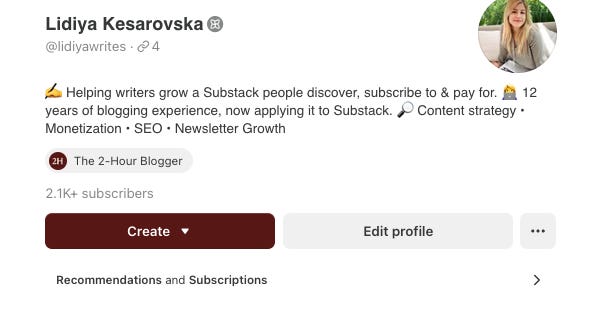
Then this showed in my dashboard.

The new feature is called Lists and it’s an evolution of recommendations.
Until now, recommendations have mainly been about suggesting other publications to your audience. Now, you can curate collections of publications around a particular topic, interest or theme.
You can also give each list a name and description, and you can add a short explanation of why each publication belongs on it.
Wondering what list to create? Here are some ideas:
A list of your favorite Substack writers.
A collection of publications about a specific niche.
A reading list for beginners in your field.
A collection of creators whose work inspires you.
A list of resources your audience would find useful.
Readers can save your lists, share them, and explore the creators you’ve selected, so this really opens many doors. You can also see how much traffic your list sends to each publication.
Seems like this will make recommendations more intentional, or at least more organized. Till now, it seemed to me that most people are recommending randomly, or even everyone. But that’s not really valuable to our readers.
Lists fixes that issue. You can now also explain why you recommend someone so readers discover creators around a shared interest.
2. Feed Preferences: Take More Control of What You See
Substack has also introduced more control for personalizing your feed.
You can find these options under the content preferences section of your settings.
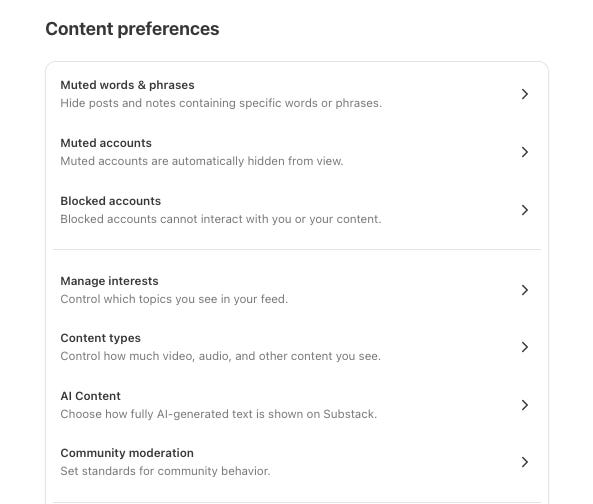
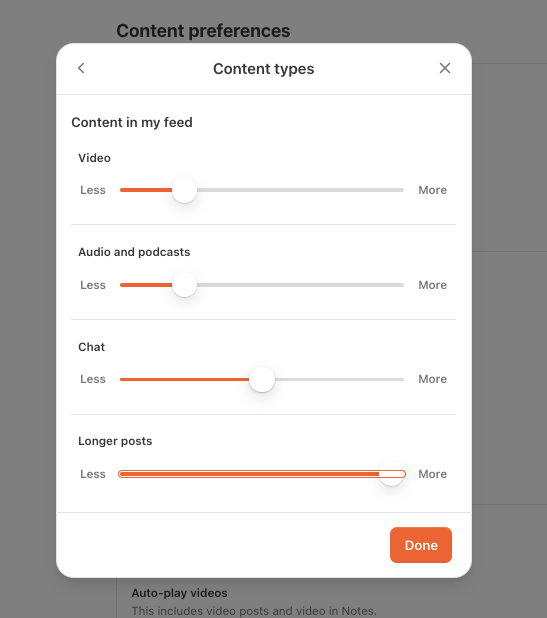
It lets you choose whether you want to see more or less of certain types of content (video, audio, long-form writing, and community features).
You can also mute specific keywords or phrases, fine-tune the topics you follow, and automatically label AI-generated material.
I used it for the Content types section, where I chose less video, audio and podcasts, and more longer posts.
You can also mute a topic you’re tired of seeing in your feed. This really improves the reader experience, but here’s why it matter for us as creators:
I often talk about the importance of creating content that genuinely interests the right audience. This feature is built with that in mind.
You can’t control others’ feed preferences, but you do control the quality and relevance of your content. When you do one thing and do it really well, Substack will show you to the people interested in that.
3. Freewall: Turn Readers Into Subscribers
In October, Substack also released a very powerful feature, one I’ve been looking forward to - the Freewall.
It lets you show readers a preview of your post before asking hem to subscribe for free to continue reading.
A paywall asks people to pay, but a freewill asks them to subscribe, it gives them a reason to join your publication. This is a great way to turn followers into actual subscribers.
There are a few really good ways to do it and I shared them all in this post:

This actually turned into one of my most popular posts (and I have over 100). I was (probably) the first one to cover the topic, it ranked high on Google hours after publishing it, it has over 300 likes and over 100 comments, and has brought in 42 subscribers so far (in less than 2 weeks).
People are still not sure how this feature works though and how to decide where to position it exactly.
So I decided to create something to help you with that. The Freewall Planner is a practical PDF to help you turn existing Substack posts into subscriber magnets.
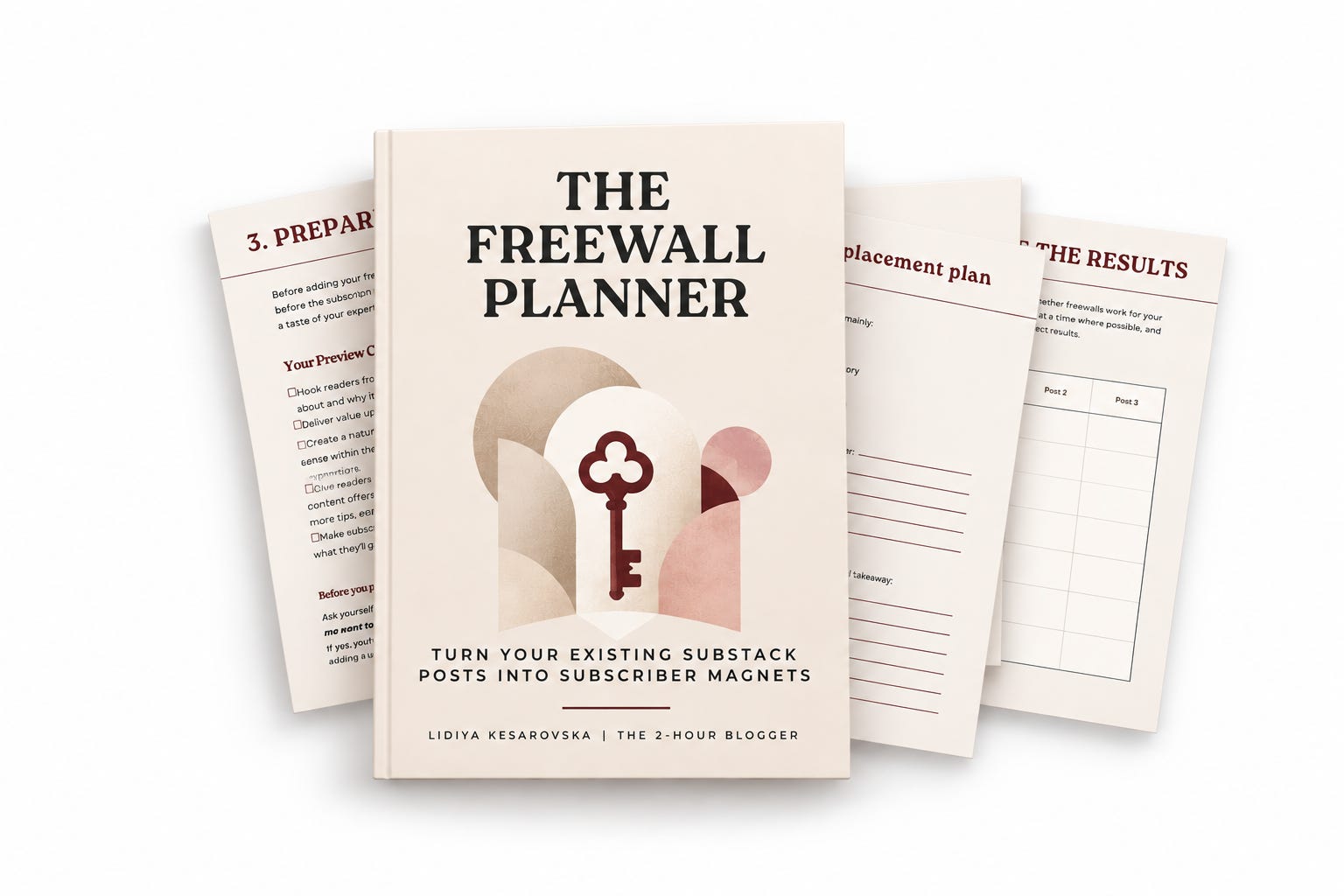
Inside, you’ll find:
A checklist to choose the right post from your archive
Five ideas for where to place your freewall
A preview checklist to make readers want to continue
A simple strategy for delivering free resources
A tracker to test three posts and learn what works
It’s designed to help you take action without starting from scratch.
The Freewall Planner is available to paid subscribers of The 2-Hour Blogger.
Upgrade and you’ll get immediate access below.
You’ll also find 2 more Substack features from October worth knowing about.
So, behind the paywall:
The Freewall Planner (a fillable workbook to decide which posts can use a freewall, where to position it exactly, what the reader should see before it, how to make subscribing worthwhile, and what free resource to have);
Another new Substack feature - a small customization option that you might have missed completely because it’s hidden in your settings 👀;
And one more feature that lets you showcase your best work, bring attention to older content, and curate your own work (I can’t wait to use this one!).
Let’s dive in.